Ellenote

Think freely.
Write beautifully.

A thoughtfully designed workspace that makes Markdown feel effortless.

15-day full trial · Mac and Windows · One-time license
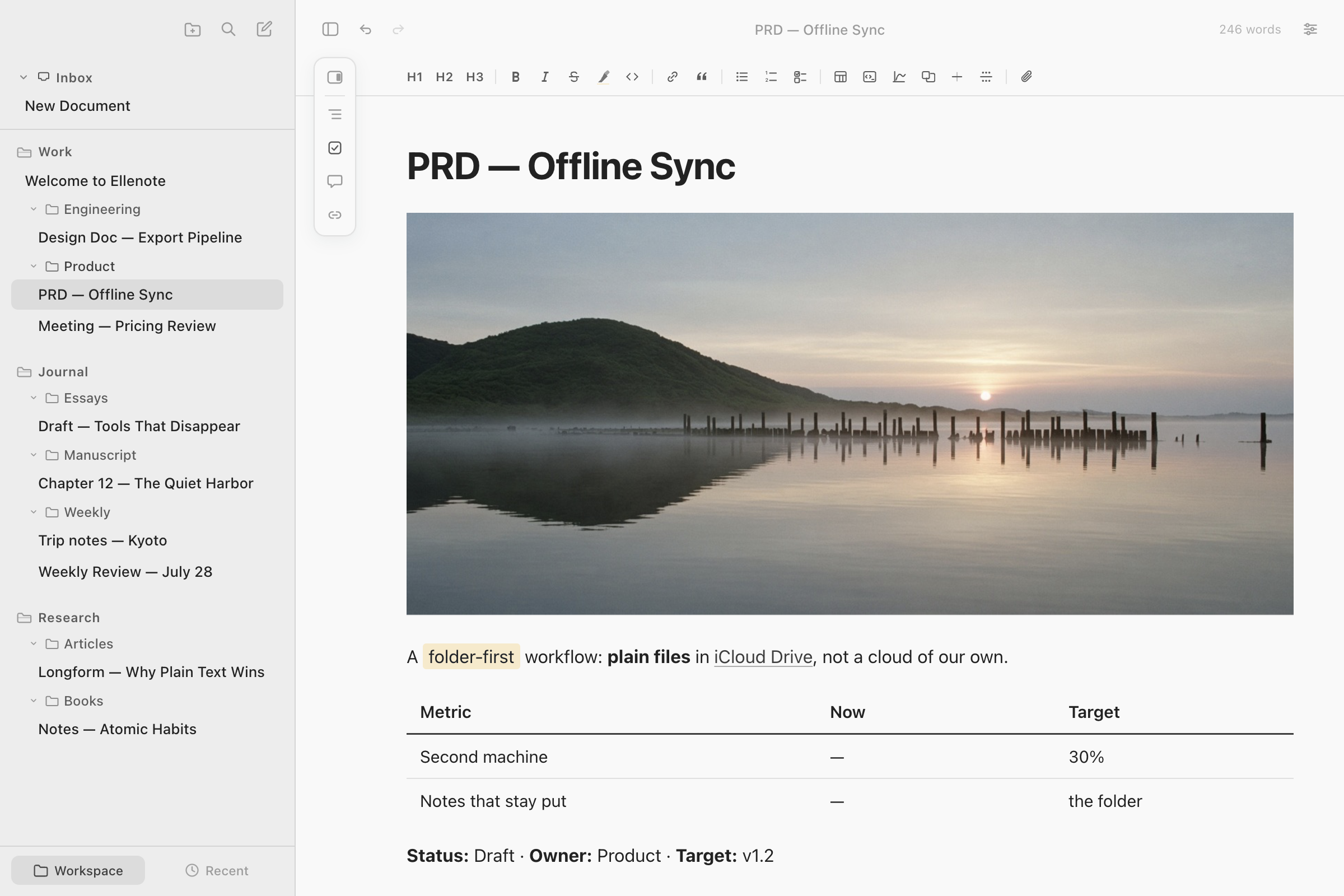
Ellenote open on a product note: a wide photograph under the title, a sentence with a highlight and a link, and a small table, with notes from three workspaces in the sidebar

Markdown when you want it.

  • Use familiar syntax when it feels quicker.
  • Reach for the toolbar when it doesn't.
  • Either way, just keep writing.
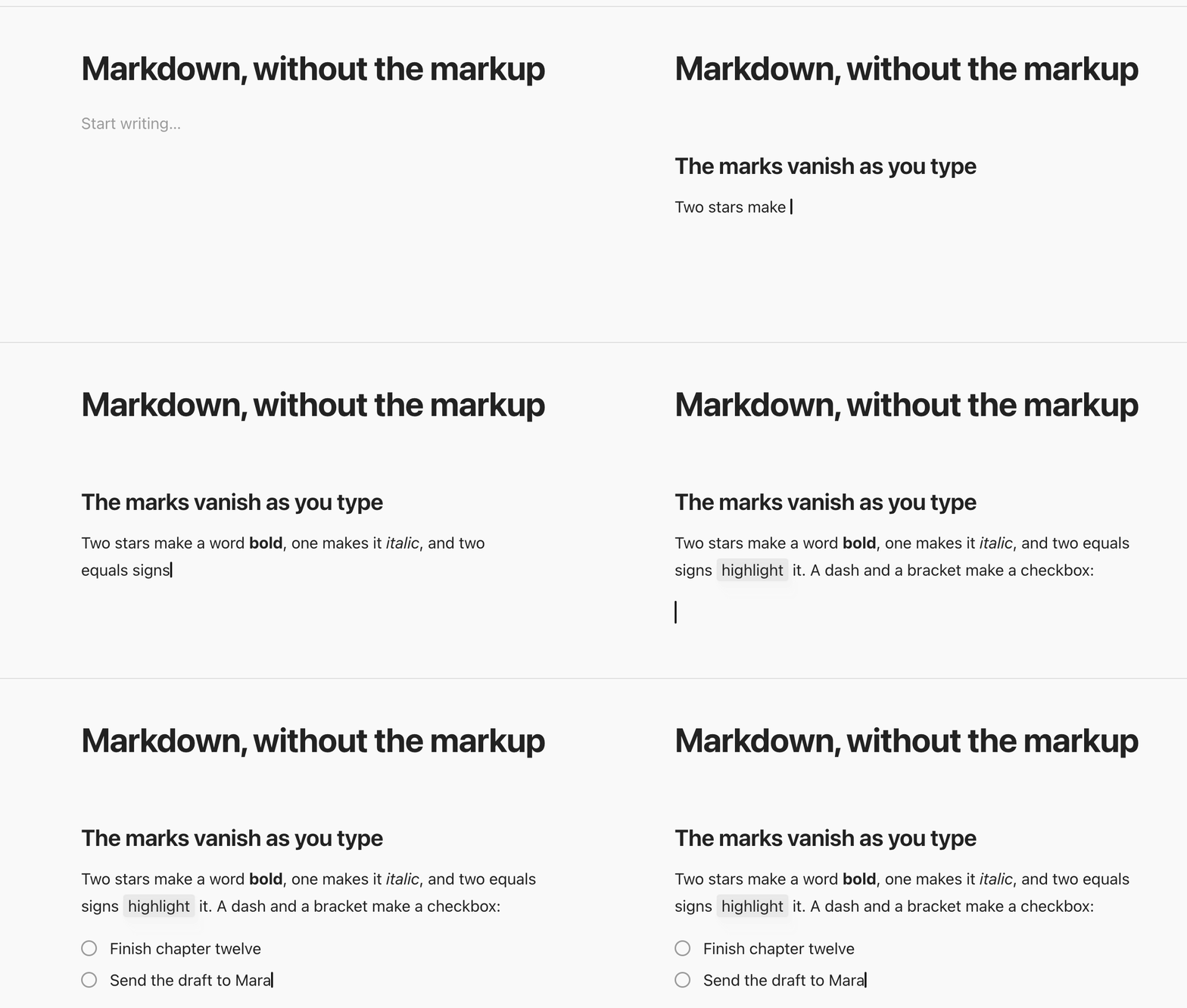
Typing on an empty page. Two hashes and a space turn the line into a heading. The words between two stars come out bold, between single stars italic, between equals signs highlighted, and a dash with a bracket becomes a checkbox. The marks disappear as each one is closed.

Keep your place

  • Stay focused on what you're writing, without losing the context around it.
  • Move between documents and pick up right where you left off.
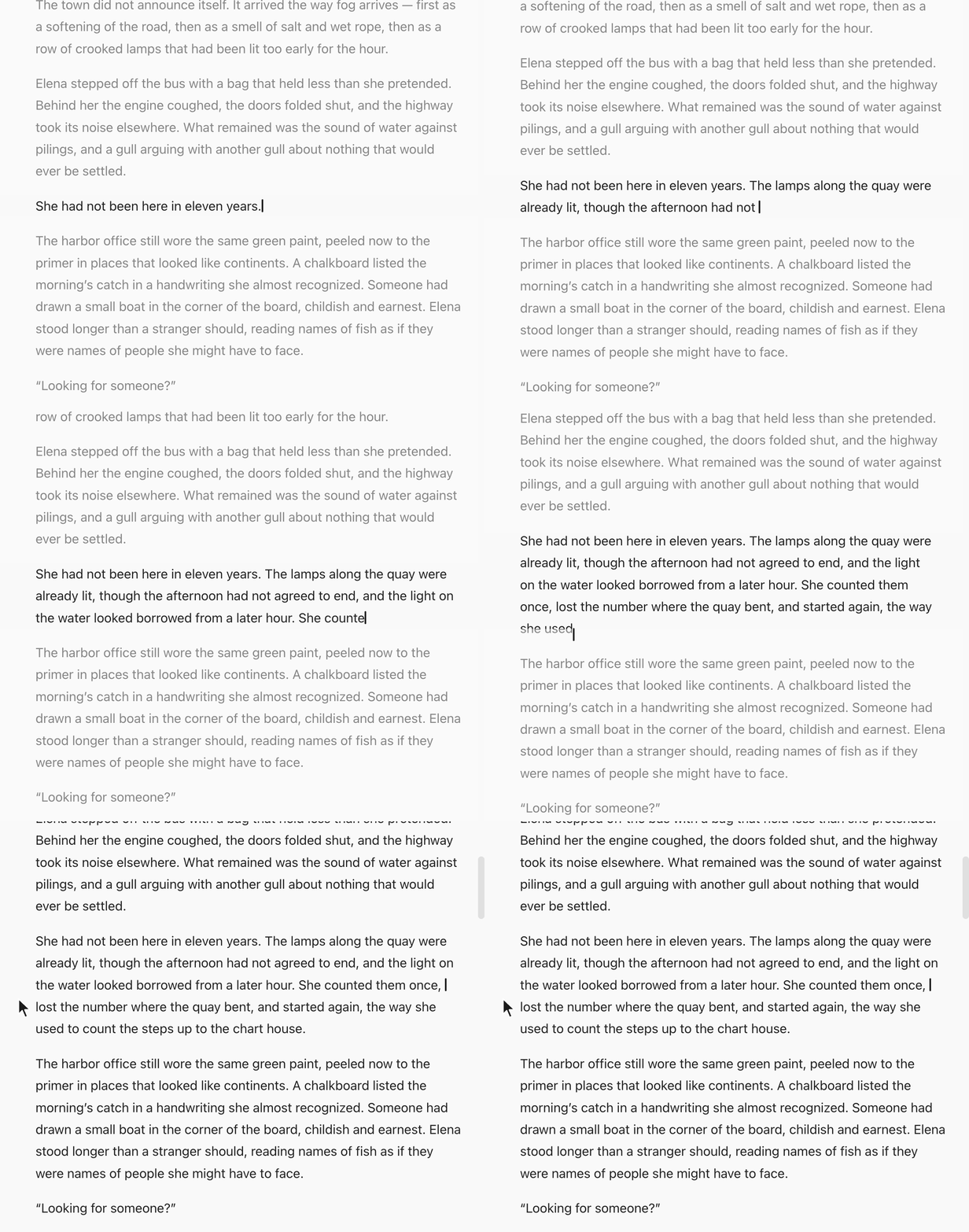
Focus mode on a novel chapter. A sentence is typed letter by letter; as the paragraph grows, the page glides so the line being written stays in the middle while the other paragraphs are faded. A click in the blank margin lifts the fade.

Everything in view.

  • Outline. Move through long documents without losing your place.
  • Tasks. See what's left to do, all in one place.
  • Annotations. Return to comments without searching through the page.
  • Links. See what connects here, and follow it when you need to.

Connect your notes

  • Link. Point a sentence at another note, and open the passage it names
  • Embed. Place a section from another note on this page, and see it change with the source
  • Backlinks. Find the notes that mention this one, and open them
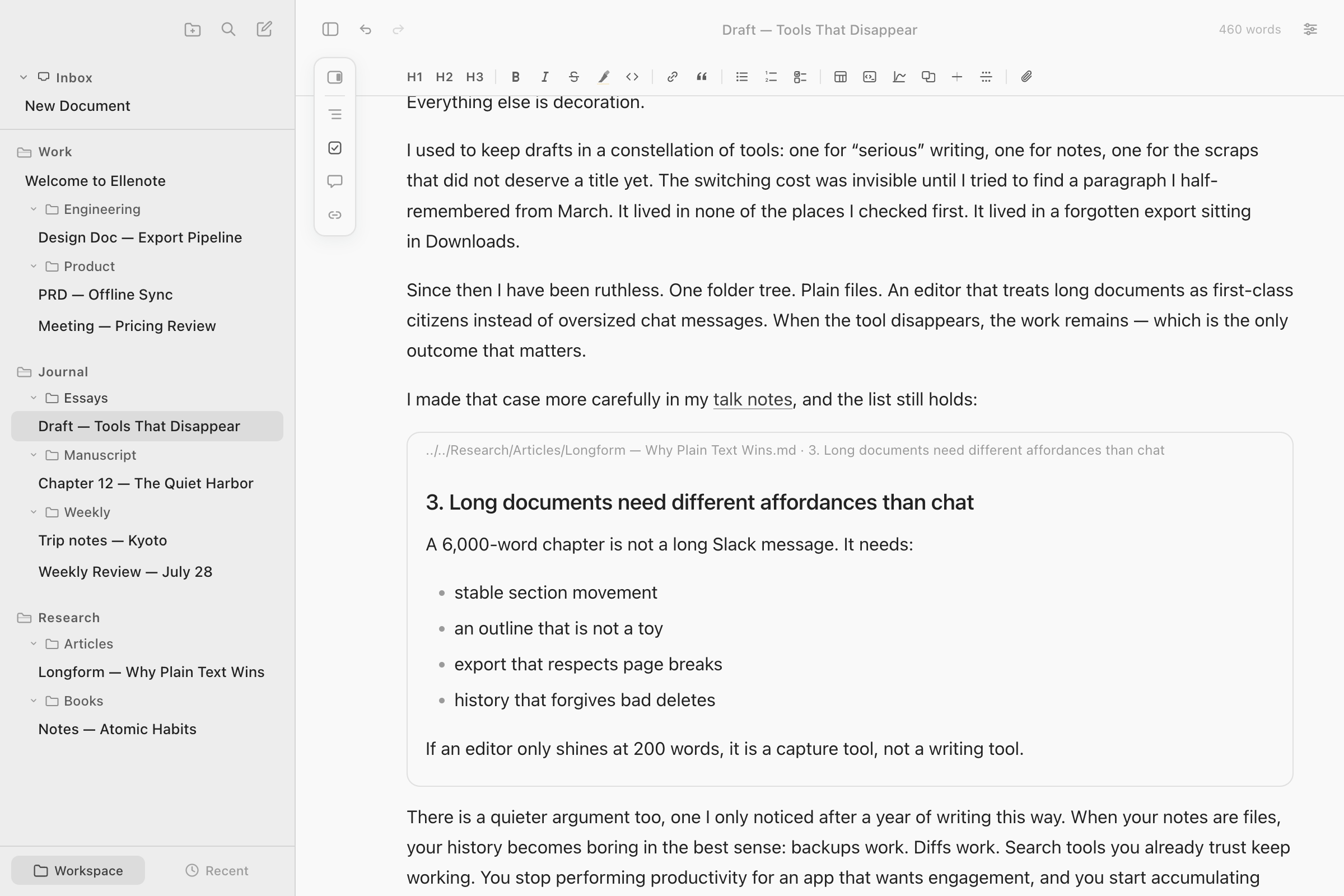
An essay draft open in Ellenote. In the middle of the page, a framed block shows a section from a different note in the Research folder, with its headings and list, under a small line naming where it comes from. The sidebar shows the Work, Journal, and Research folders with their notes.

View your notes in different voices.

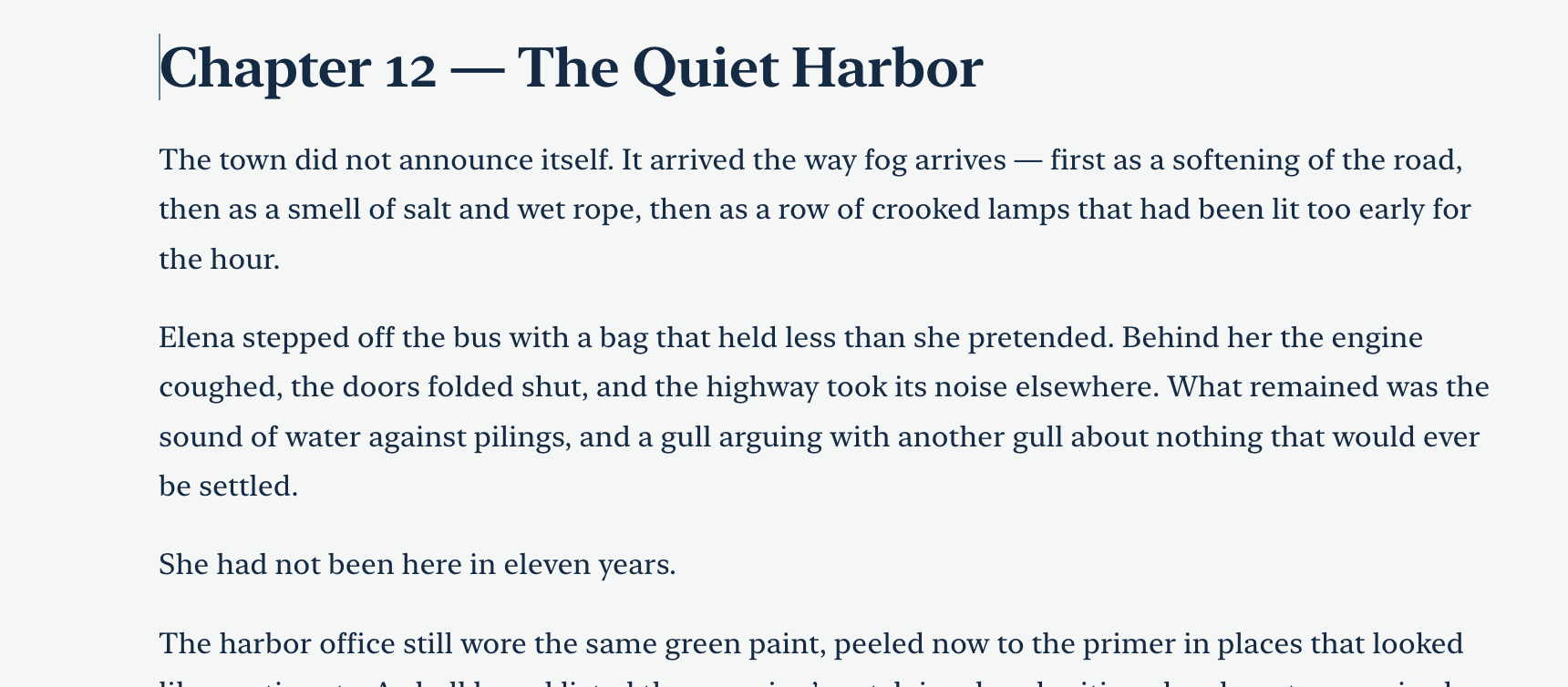
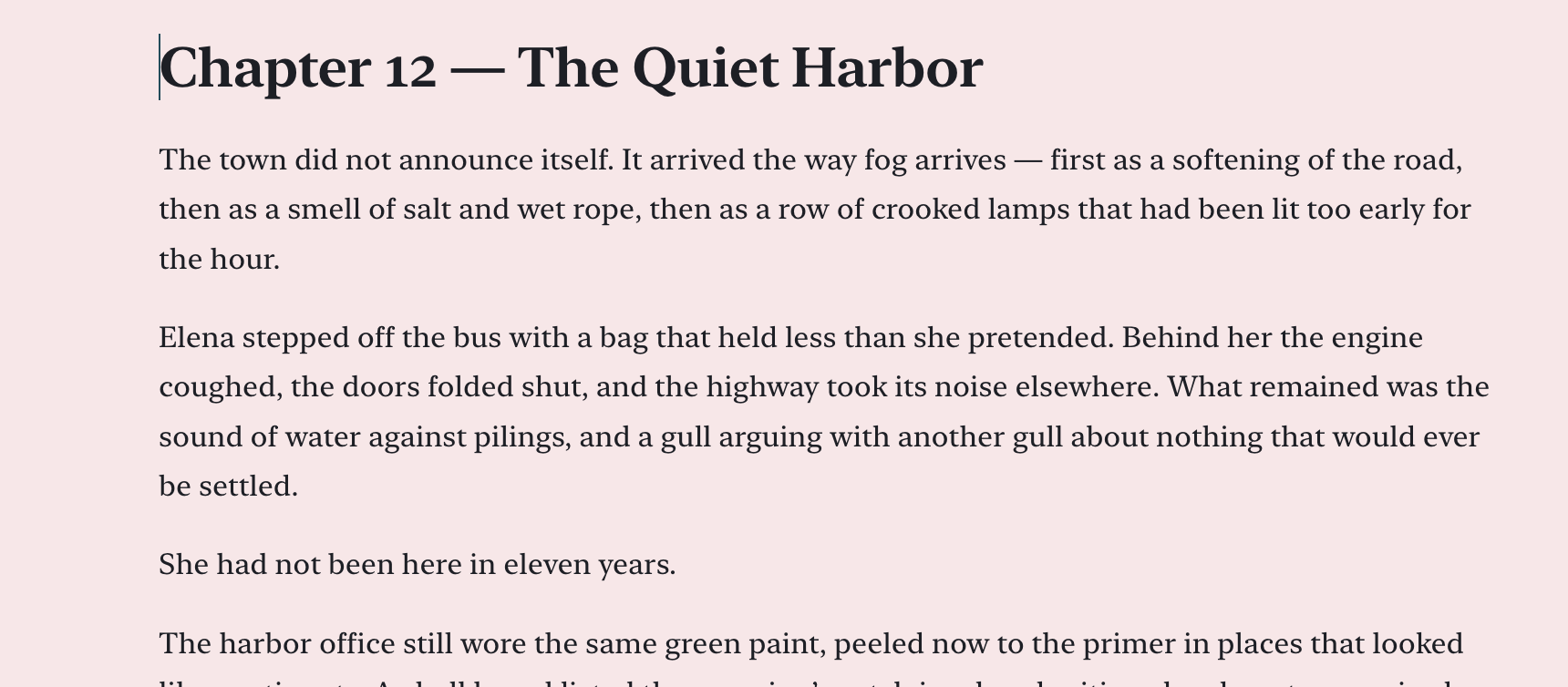
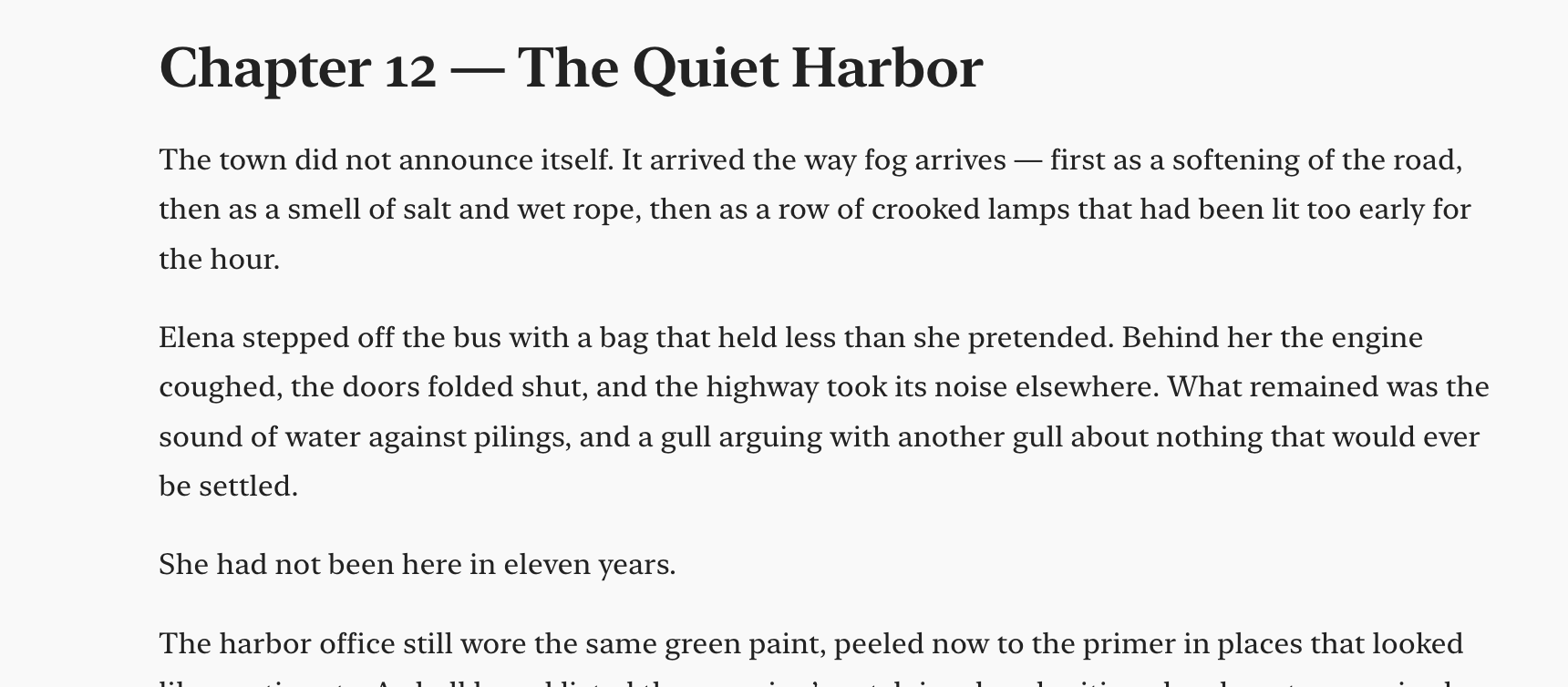
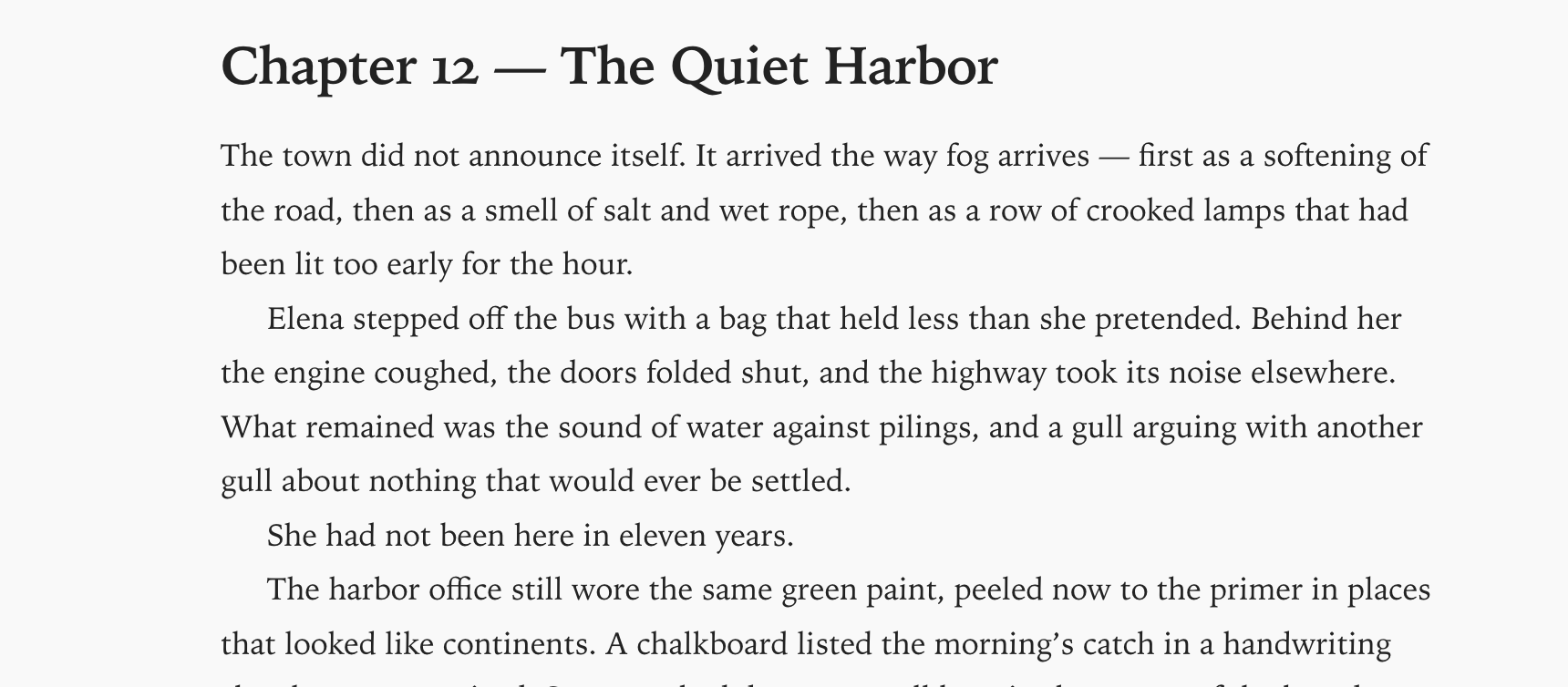
Customising your note is nothing more than a click. Choose the look you like and keep writing.
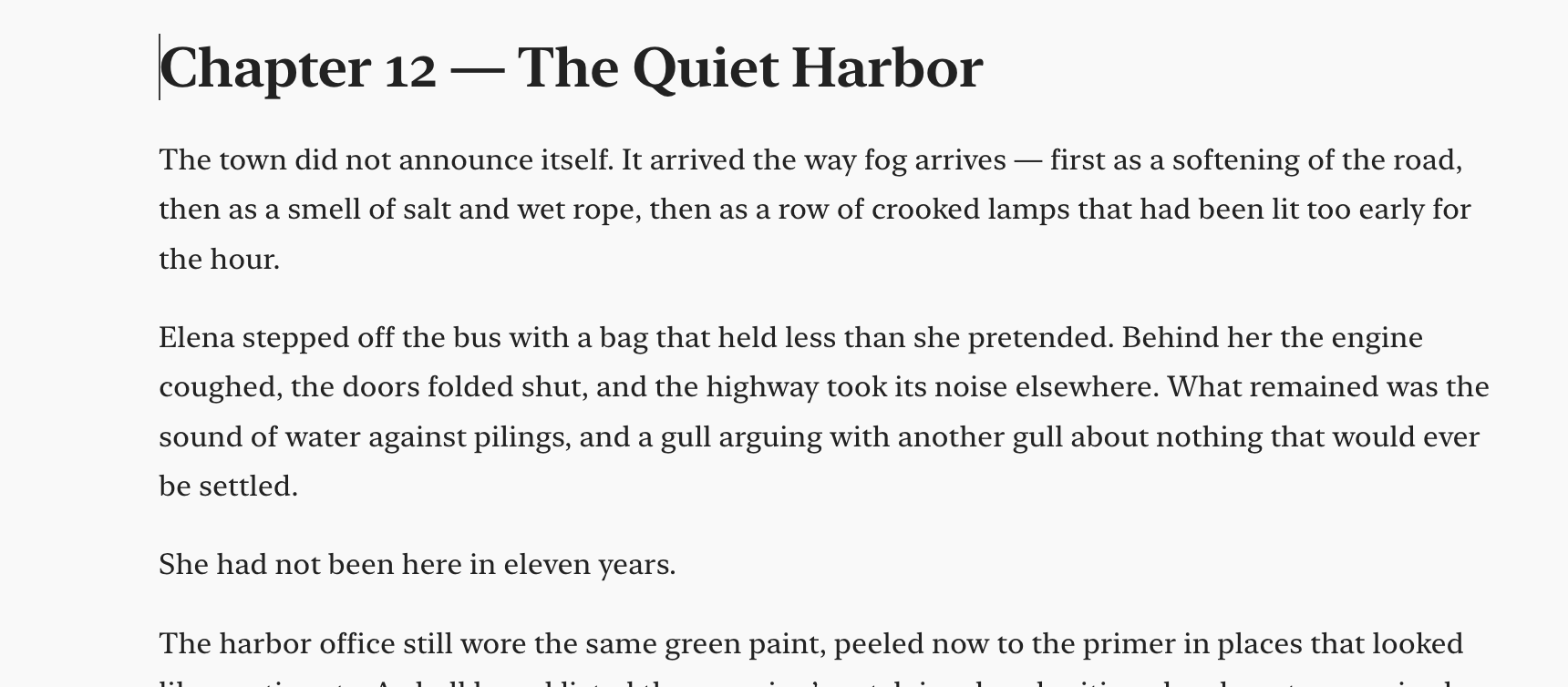
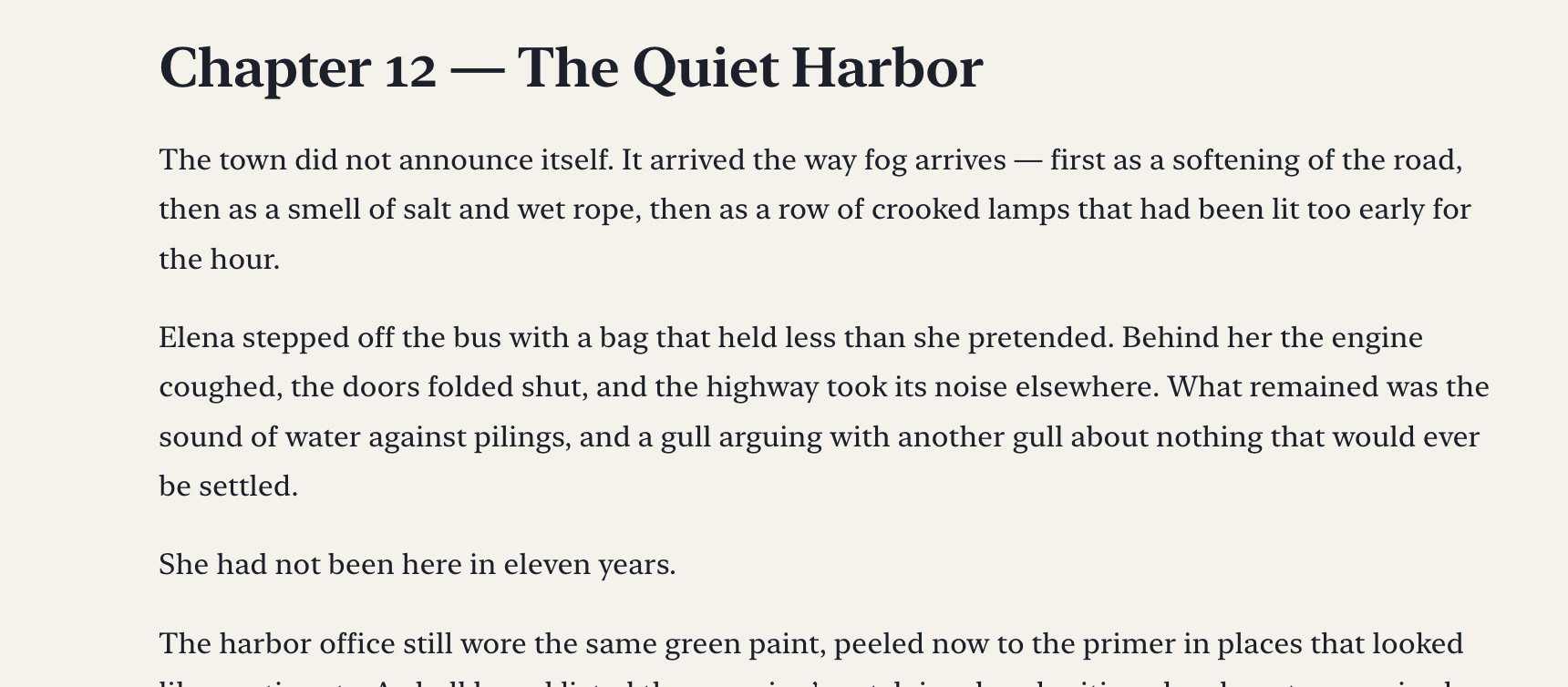
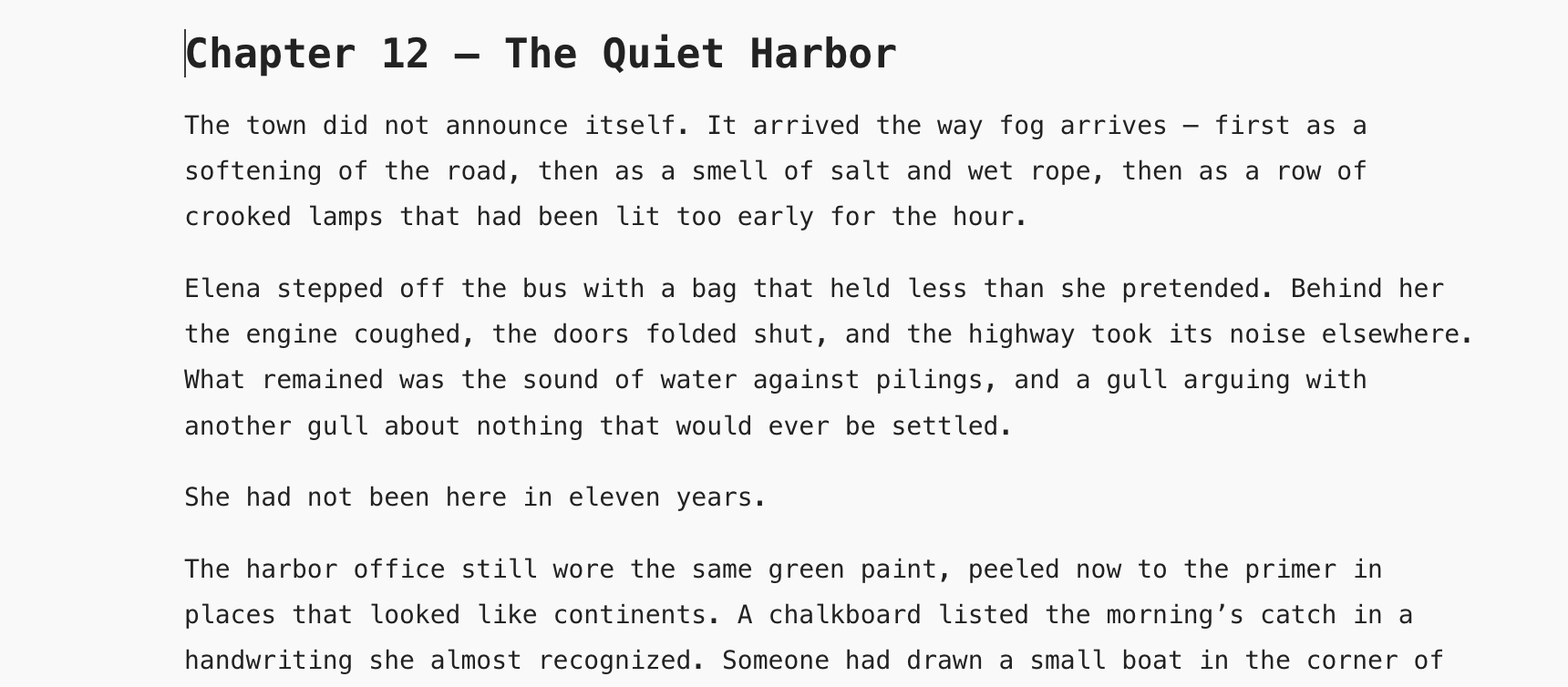
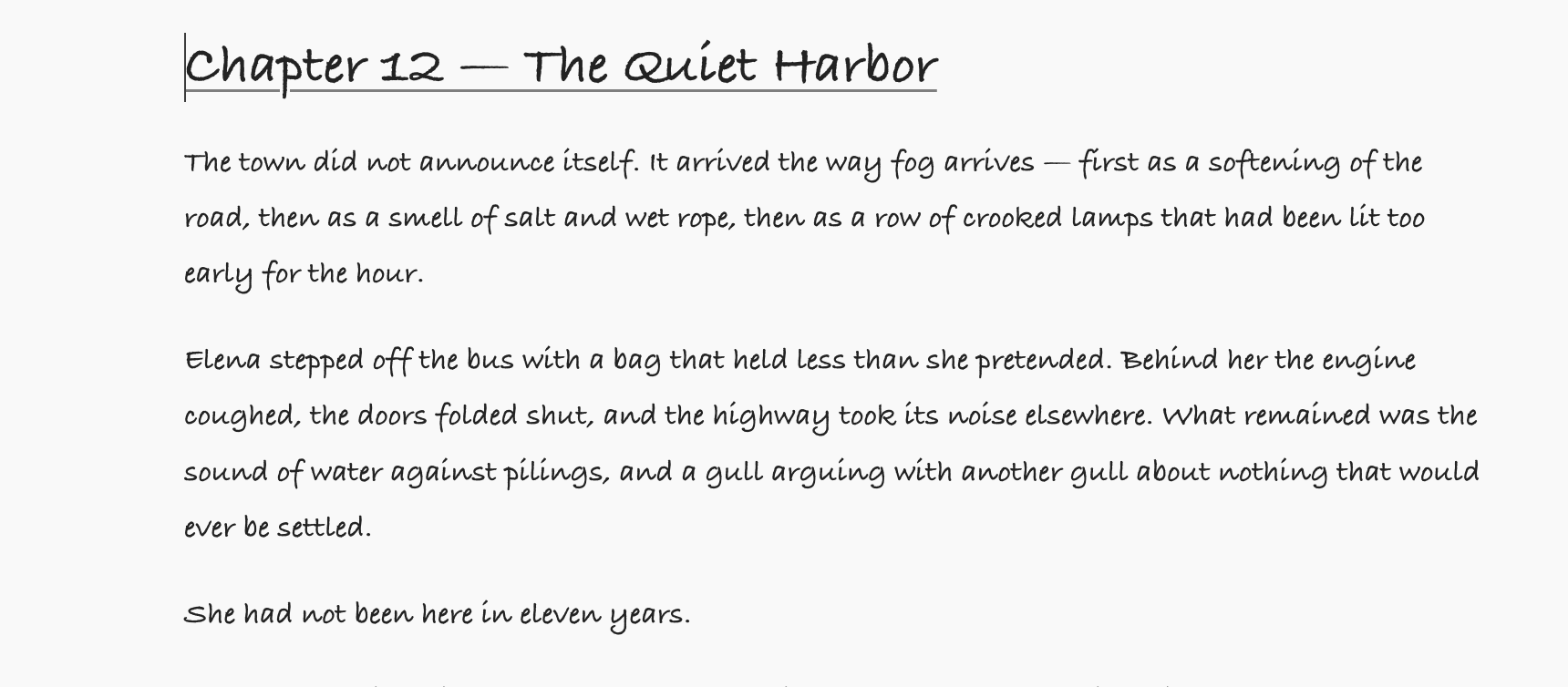
The same chapter on the Paper theme: white page, black type. The same chapter on Graphite and Ivory: warm paper and deep teal type. The same chapter on Coastal Blue: cool paper and a blue accent. The same chapter on Charcoal and Blush: a pink page.
The same chapter set in Manuscript, a serif with a sans title. The same chapter set in Book: a narrower serif measure with indented paragraphs. The same chapter set in Typewriter, monospaced. The same chapter set in Handwritten.

One payment. Then it is yours.

Free

A$0

  • Edit and save local notes
  • Two colour themes, two type presets
  • 15 days with everything open

License

A$29.99 one-time

  • Every theme, type preset, and diagram colour
  • Export, version history, and document import
  • Mac and Windows, one person, up to 3 devices
Buy now

After payment, open Ellenote → Help → Activate License and enter the email you paid with. We email a 6-digit code.

Already purchased? Open Ellenote → Help → Activate License, or Settings → License.

Download

Install, open a folder of notes, and start the trial. The Mac app is notarized.

Questions

Is this a subscription?
No. One payment.
Do you store my notes?
No. Notes are files on your computer. Ellenote does not upload them.
App Store?
No. Download from this page. The Mac app is notarized.
Windows?
Yes. One license covers Mac and Windows.
Where do I report a bug?
On the community. The same place is for feedback and feature requests. Notes stay on your computer.