
Compare
Stay with Typora, iA Writer, or Obsidian, or switch
Stay where the job already fits. Switch when it does not. Typora is the lighter editor for one file. iA Writer is a quiet page you buy per platform. Ulysses and Bear keep their own libraries and charge a subscription. Obsidian is a vault you extend with plugins and a graph. Ellenote is the long document in a folder of plain Markdown, with one license for Mac and Windows. The price is on the homepage. Notes stay on your computer.
Stay with Typora
Stay if you open one file, edit it, and close it. Typora is the lighter editor. Both keep local Markdown, and both sell a one-time license. This page does not quote Typora's price.
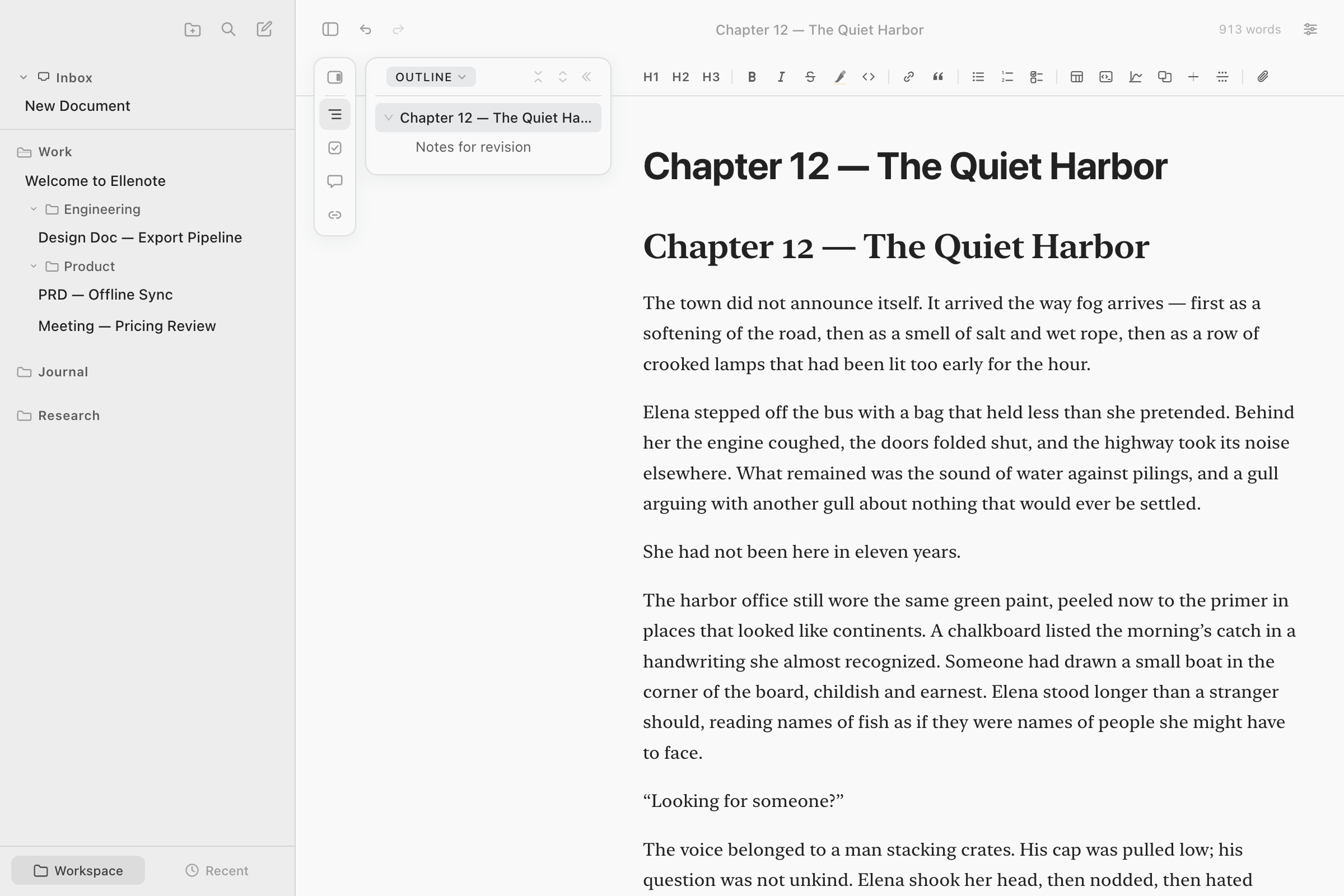
Switch when the document is the work. The outline lists every heading and can move a section. A formula written as $…$, $$…$$, or a math block is typeset on the page, and Word receives an equation you can edit. A Mermaid diagram is drawn from the fence in the file. A blog post for Hugo or Jekyll is edited as the page you will read. Ellenote does not publish it, and it does not edit MDX. The file types are .md, .markdown, and .txt. Export to PDF, HTML, and Word is on the export page.
Stay with iA Writer
Stay if you want that quiet page and you are buying the Mac app, or the Windows app, on its own. iA Writer is sold separately for each platform.
Switch if you want one license for both. Focus keeps the line you are typing in view and fades the rest. The outline can reorder sections. Chapter files can be merged into one manuscript before you export. Split View is two panes of the same note, not two documents. Replacing text is inside the open note. There is no find-and-replace across the folder.
Stay with Ulysses or Bear
Stay with Ulysses if you want its library and you will keep the subscription. The notes live in that library. Stay with Bear if you are on Apple devices and you will keep that subscription. Bear does not cover Windows.
Switch if you want the folder itself to be the library, and a single payment for Mac and Windows. Ellenote does not keep a second copy of the notes.
Stay with Obsidian
Stay if you want the vault, the plugin catalog, and the graph. That is the product. Obsidian's own sync is optional and paid. This page is not a guide to using Obsidian without plugins.
Switch if you want ordinary folders and a page that reads as a finished document. Backlinks are listed beside the note. There is no graph. A note marked archive: true leaves the sidebar and still turns up in search and Quick Open. There is no query language over the folder, and no phone app. Ellenote does not run a sync service. A folder already in iCloud Drive, OneDrive, or Google Drive can be a workspace, and that cloud app does the sync.
Questions
Should I switch from Typora?
Stay if you want the lighter editor for one file. Both keep local Markdown and sell a one-time license. Switch when the document is long enough that you want the outline to move a section, LaTeX that exports as an equation, or a Word file at the end.
I already have iA Writer on Windows. Why switch?
Stay if you want that quiet page and you are buying each platform on its own. Switch if you want one license for Mac and Windows, focus that keeps the line centered, an outline that reorders sections, and a way to merge chapter files.
I want Obsidian without the plugins. Is this it?
Stay with Obsidian if you want the vault, the plugins, and the graph. Ellenote is plain folders and a page that reads as a document. It lists backlinks and has no graph and no plugin catalog.
Do you store my notes?
No. Notes stay on your computer. Ellenote does not upload them, and it has no account for your notes.
Related
Summary
| Ellenote | Typora | iA Writer | Ulysses | Bear | Obsidian | |
|---|---|---|---|---|---|---|
| Stay if you want | A long document in a plain folder, one license for Mac and Windows | The lighter editor for one file | A quiet writing page, bought per platform | Their library, on a subscription | Notes on Apple devices, on a subscription | A vault, plugins, and a graph |
| Switch to Ellenote if you want | Already this app | An outline that moves sections, LaTeX that exports as an equation, and a Word file | One license for Windows and Mac, plus chapters you can reorder and merge | Plain files and a one-time price | Windows, plain files, or a one-time price | A page that reads as a document, without assembling plugins |
| Where the notes live | Markdown files in a folder you choose | Local Markdown | Local Markdown | Its own library | Its own library | A Markdown vault |
| How you pay | One payment for Mac and Windows, up to 3 devices | One-time license | A separate purchase for Mac and for Windows | Subscription | Subscription | The app is free. Sync is optional and paid |
| Mac and Windows | One license | — | Sold separately | — | Apple only | — |
| Outline, focus, merge chapters | Yes. Focus centers the line. Merge, then export, if the full text must go out | — | — | — | — | — |
| LaTeX and Mermaid | Typeset on the page. Word gets an editable equation. Mermaid stays a fence in the file. A formula graph exports as its source | — | — | — | — | — |
| Export PDF, HTML, Word | Yes, in the 15-day trial and with the license. Cover, contents, and headers. After the trial, export needs the license | — | — | — | — | — |
| Plugins and a graph | No plugin catalog. No graph | — | — | — | — | Yes |
| Backlinks | Listed beside the note. No graph | — | — | — | — | Graph, and plugins |
| Sync the app runs | None. A folder you already sync can be a workspace | — | — | — | — | Optional paid sync |
| Phone | No | — | — | — | Apple | — |
Ellenote is a Markdown editor for macOS and Windows. Notes stay on your computer.