
Markdown editor
A one-time Markdown editor for Mac and Windows
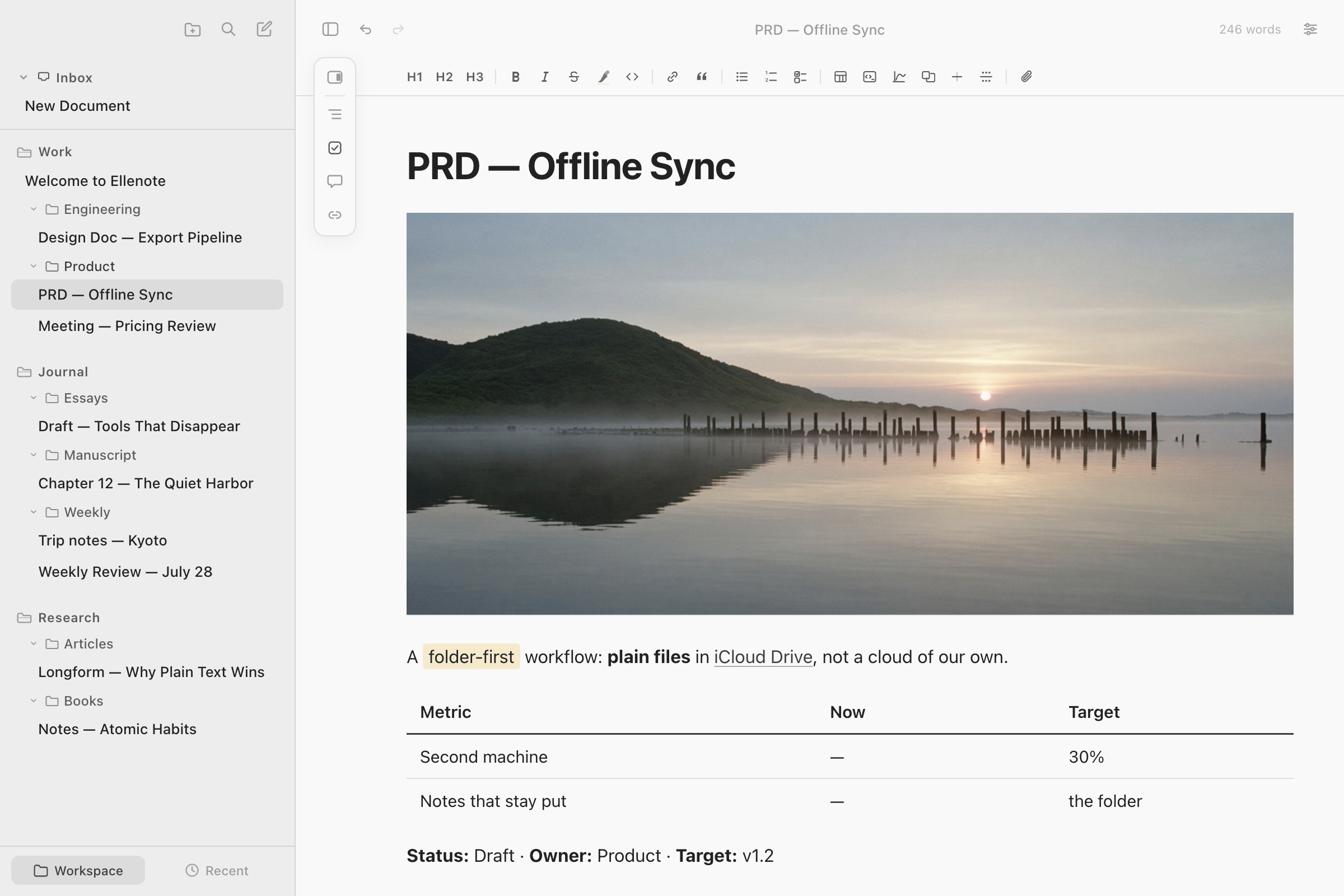
Ellenote is a Markdown editor for people who already keep .md files next to their work. You buy it once. One license covers Mac and Windows. The page looks finished while you write, and the file in the folder stays plain Markdown. Notes stay on your computer. Ellenote is its own app. It is not Leanote.
One payment, not a subscription
One payment covers one person, on Mac and Windows, up to 3 devices. It is not a subscription. The trial lasts 15 days. After the trial you can still edit and save. The price is on the homepage.
Plain text a Git repository can keep
The note is the file. There is no import step for Markdown you already have, and no second library beside the folder. A paragraph you did not touch is written back as it was, so a diff stays about the words you changed. Another editor can open the file. An AI tool can read it. Ellenote does not call a model itself.
Renaming or moving a note inside Ellenote rewrites relative links, embed fences, and image paths in the open workspaces. A rename done in Finder or Git is left as written. Ellenote does not guess which file replaced which.
A long document, read outside VS Code
A README or a short note is fine in a code editor. A design document, a PRD, or a chapter is hard to read in a preview pane. Ellenote draws the page like the finished document. The outline lists every heading, including in a note long enough that only the part near you is on the page. Opening the note again puts you at the last place you were reading.
Focus keeps the line you are typing in view and fades the rest. Split View is two panes of the same note, each with its own scroll. It is not two different documents. Several folders can be open as workspaces, and search can cover all of them or one.
Mermaid, LaTeX, and code in the same note
A code block can be indented, copied, and previewed in its own window. A Mermaid diagram is drawn from the fence in the file. A formula written as $…$, $$…$$, or a math block is typeset on the page. A formula graph can be dragged and zoomed in the note. The source of each of those stays in the Markdown.
Export sends a formula to PDF and HTML as typeset text, and to Word as an equation you can edit. A formula graph exports as its source, not as a picture. Who should stay with Typora, iA Writer, or Obsidian is on the comparison. Word and PDF are on the export page.
YAML front matter stays in the file
A closed --- block at the start of the note is shown under the title and can be edited. Save writes it back in front of the body. Export leaves that block out of the prose, so a PDF does not print the keys. The keys are not a tag library. Hugo, Jekyll, and a docs site keep seeing the same front matter, because Ellenote did not move it out of the file.
What this editor will not be
Ellenote is not an IDE. Blame, a language server, and the code itself stay in the editor you already use. Ellenote is the long document beside that repo. It does not run a sync service. A folder already in iCloud Drive, OneDrive, or Google Drive can be a workspace, and that cloud app does the sync. There is no phone app.
Questions
Do I pay once, for both Mac and Windows?
Yes. One payment covers Mac and Windows. It is not a subscription. After the trial you can still edit and save. The price is on the homepage.
Does this Markdown editor stay plain text for Git?
Yes. The note is a Markdown file in a folder. A paragraph you did not change is written back as it was. There is no second library. Git, another editor, and an AI tool can open the same file.
How is this different from the VS Code Markdown preview?
VS Code is the place to write code. Ellenote is the place to read and finish the long document beside the repo. The page looks like the document. The outline covers the whole note, and opening it again returns to the last place you were reading.
Do you store my notes?
No. Notes stay on your computer. Ellenote does not upload them, and it has no account for your notes.
Related
Ellenote is a Markdown editor for macOS and Windows. Notes stay on your computer.